Swiftpoint Z3
The pinnacle of mouse technology.
Coming Soon.
The Swiss-Army Mouse
Swiftpoint Z3
Join the 15,000+ other gamers, programmers, & workers enjoying the Z experience.
Why are customers upgrading to Swiftpoint
We surveyed 3,081 customers to find out why they made the upgrade to the Swiftpoint Z2. These are their unfiltered responses.
When I first stumbled across an ad mentioning the Z2, I was hesitant; though the mouse looked awesome, I'd never heard of the company, and I was passably happy with the Logitech mouse I was using at the time.
Taking a look at Swiftpoint's site, the mouse' specs, and reviews I saw across the web caught my attention, though; it looked like something I could make use of across both my work and personal tasks. The price was nothing to sneeze at, but it looked intriguing enough that I figured why not?
Having used it for a few months, I don't think I could go back to a regular mouse. The customization software is fantastic, and the mouse itself offers more functionality than most apps I have know what to do with. Tying common workflow commands like copy, paste, cut, and undo to buttons I can reach with my mouse hand cuts down on fatigue, and the built in tilt sensors give you more than just button commands to map to actions in games. Looking to lean? you can map it. Want to map dodges in Dark Souls? You can do that too. It can even function as a full on multi axis joystick with the included attachments, which is awesome for flight sims (or Elite: dangerous).
If you're on the fence about the Z2, go for it. It's a wonderfully customizable device, and I'm hard pressed to envision a task or game that won't benefit from it.
This mouse is well built, and has a good hand feel. The only complaint I have is perhaps having the tilt pads (that your fingers touch,) moved further back for the right side.
This mouse is highly configurable and can be adjusted to suit whatever needs you have (in game, or out.)
Fits my hand perfectly. I love the product. The fact you can edit and change different profiles, use it as a joystick is amazing. Huge fan.
I make music, and the Swiftpoint allows me to do so, so many things with just my mouse that sometimes I don't even need my keyboard. I'm a big fan since the Z1 and I'll never switch to anything else.
-
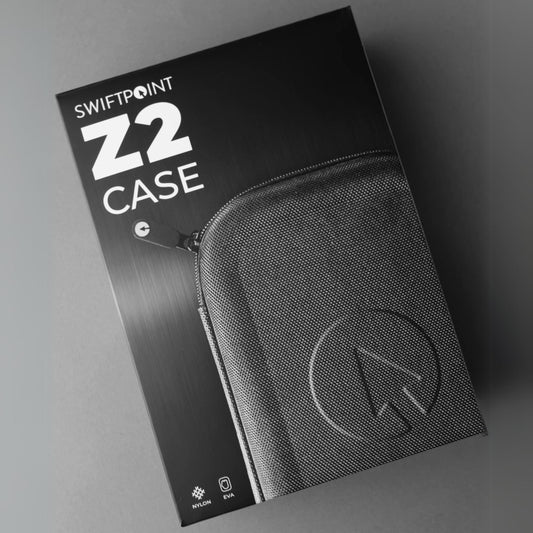
Swiftpoint Z2
Regular price 925,00 zł PLNRegular priceUnit price / perSale price 925,00 zł PLN -
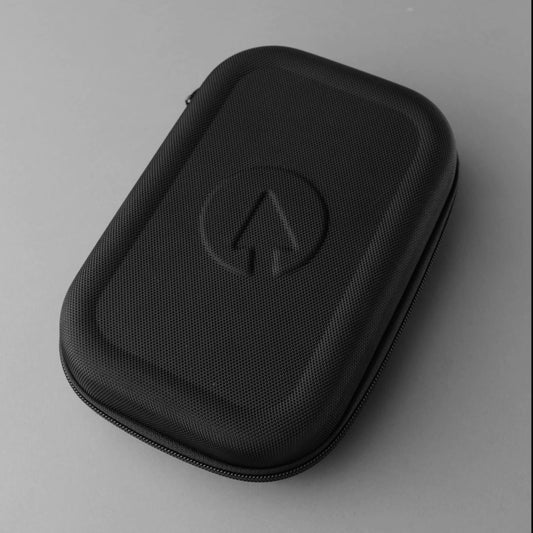
Swiftpoint Z2 & Travel Case Bundle
Regular price 851,00 zł PLNRegular priceUnit price / per999,00 zł PLNSale price 851,00 zł PLNSale
Classic Grip Series
The Z2's younger siblings
Comfortable fit and fully customizable. Now I want the Z2 lol.
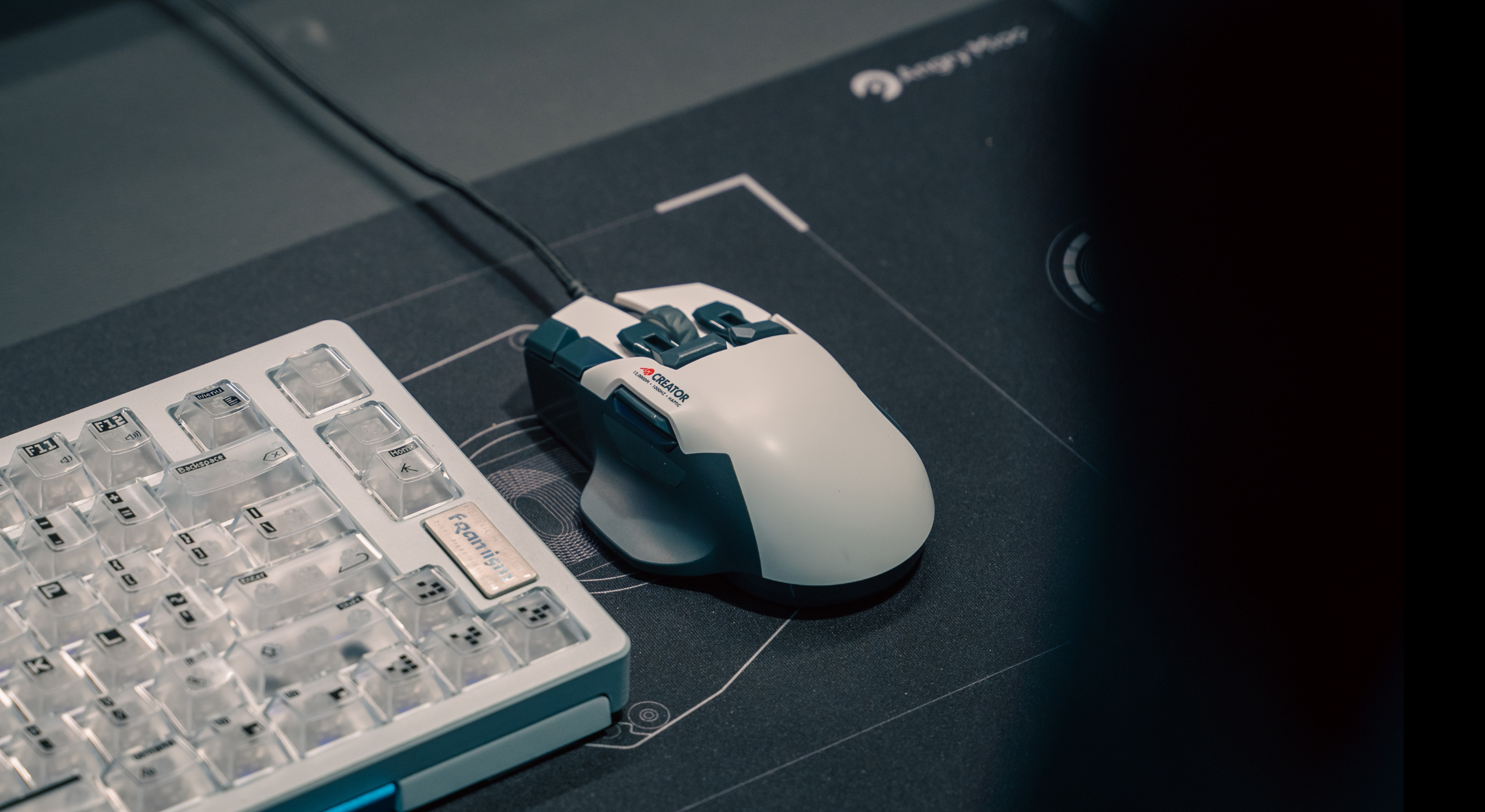
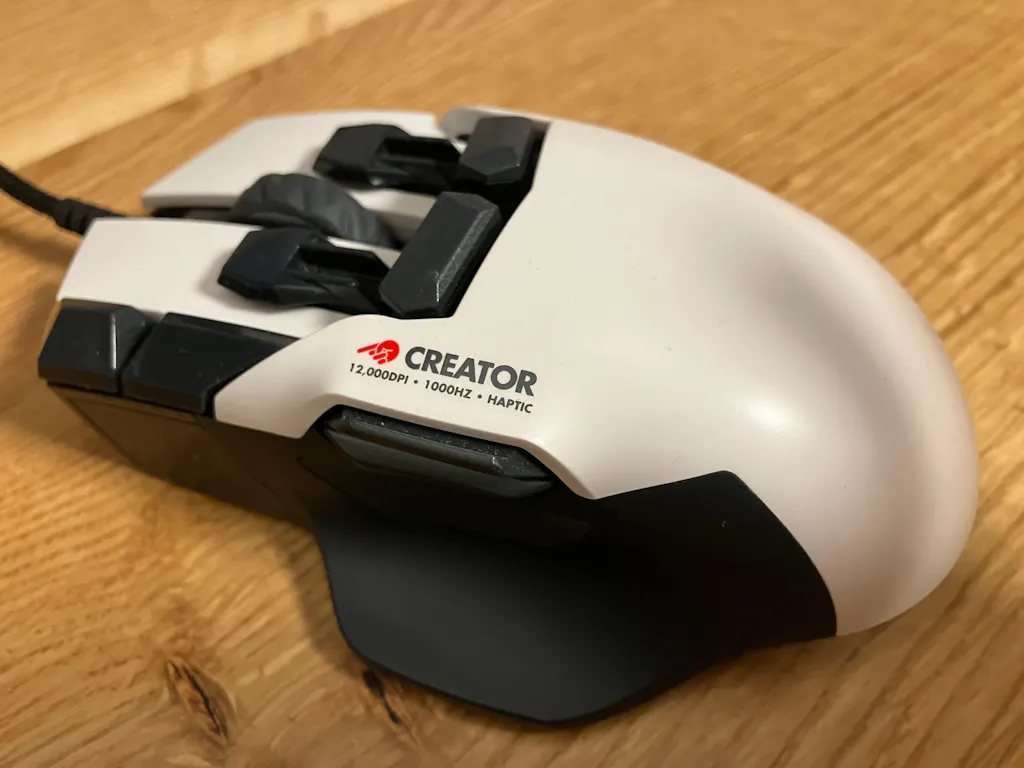
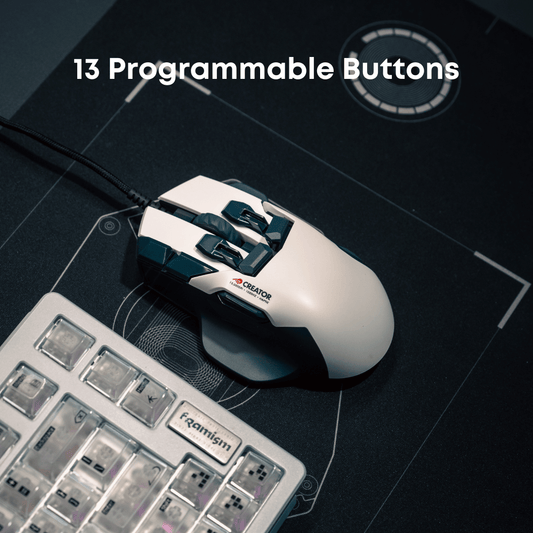
Creator
Everyone I talked to very nice and epic. Received a broken mouse ended up with a working mouse. Very satisfied. Mouse works great now.
This thing has changed the way i work throughout the day, ive been able to put my spotify controls, vs code macros, web browser shortcuts, and other custom macros onto this thing.. This was the last piece for my ergo setup (split kb, remarkable for notes, mouse), and while its not a true ergo mouse, the huge reduction in movement and additional rests for thumb and pinky on the mouse make it a win for me.
Now if i could just get my fingers to unlearn 20 plus years of normal mouse usage.. i keep clicking all the extra buttons inadvertently. Having a XXL hand doesn't make it easier, but i dont think making the mouse larger would aid me in that.. it feels great in my hand.
If you do not require an ergo mouse to do your work, and are looking for a mouse with a few extra buttons.. just get this.. Its customizable enough that you will find uses for the other buttons.. i PROMISE you
-
Creator - Back Order (arriving late January)
Regular price 765,00 zł PLNRegular priceUnit price / perSale price 765,00 zł PLNSold out
Collapsible content
Classic Grip Comparison Table
Pen Grip Series
The Tracpad Killer.
The compact Swiftpoint mouse (PenPoint) is an excellent tool for travel, especially when there is limited space to use a traditional mouse pad. Its ergonomic design allows for easy control directly on the laptop's surface, even in the small area between the keyboard and the user's body.
This is a very unique mouse that is easy to handle and it reduced the pain on the wrist. At first it is really difficult to use but after spending some time you get use to it.
I have been using vertical mice for over 10 years and was recently on the hunt for a new one that wasn't too large in my hand. I have been using the DELUX Ergonomic Wireless Mouse with USB Receiver and Removable Wrist Rest most recently, and have been pretty happy with it. Then came this mouse.
This is more like holding a pen than a mouse. It is much smaller in person than it appears in many of the photos. I like the positioning of the buttons for the most part, but you do have to move your finger back and forth between the left and right mouse buttons since one is in back of the other. The wheel placement is okay but it is not clickable. It would have been nice if the mouse wheel could be clicked and use as the right button instead of the right button being behind the left (front) button.
I highly suggest that you watch some product tutorial videos of this mouse in action, it will help a lot. I love the feature where you can tilt the mouse on its side and use it as if you were pointing on a touchscreen, flicking and scrolling on the desk to navigate. It is one of my favorite parts about this mouse. The software for customizing it is also great.
I'm a geek and a professional Tech; this is slick. You get functionality (watch the video!!!) that works out of the box and I've connected it to android phones, tablets, surface books, and a mac. FLAWLESS. I was a huge skeptic, but I literally JUST ORDERED THE PRO VERSION at full price -- no "vine" program. I thought it was a one-off, goofball product that might be over-hyped. NOPE. This is cool and functional all day long. BONUS: pull it out at work or anywhere else and you get a lot of "what in the world???" comments. That's fun.
-
ProPoint - Back Order (arriving late January)
Regular price 645,00 zł PLNRegular priceUnit price / perSale price 645,00 zł PLN -
SurfacePoint - Back Order (arriving late January)
Regular price 565,00 zł PLNRegular priceUnit price / perSale price 565,00 zł PLN -
GoPoint - Back Order (arriving late January)
Regular price 445,00 zł PLNRegular priceUnit price / perSale price 445,00 zł PLN -
PadPoint - Back Order (arriving late January)
Regular price 525,00 zł PLNRegular priceUnit price / perSale price 525,00 zł PLN -
PenPoint - Back Order (arriving late January)
Regular price 525,00 zł PLNRegular priceUnit price / perSale price 525,00 zł PLN -
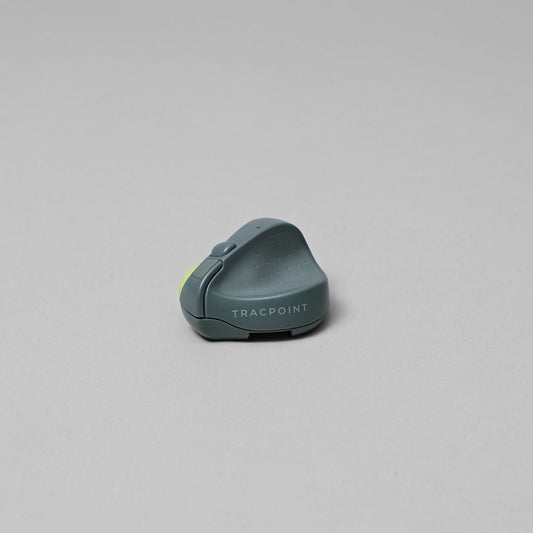
TRACPOINT - Back Order (arriving late January)
Regular price 259,00 zł PLNRegular priceUnit price / per481,00 zł PLNSale price 259,00 zł PLNSale
Collapsible content
Pen-Grip Comparison Table

ErgoPoint
Our first vertical grip mouse utilizing our innovative pen-grip software.
Join Our Community
Help us shape the future of peripherals and become part of the journey to build innovative new products